Understanding MFA Security Beyond Human Identity Management
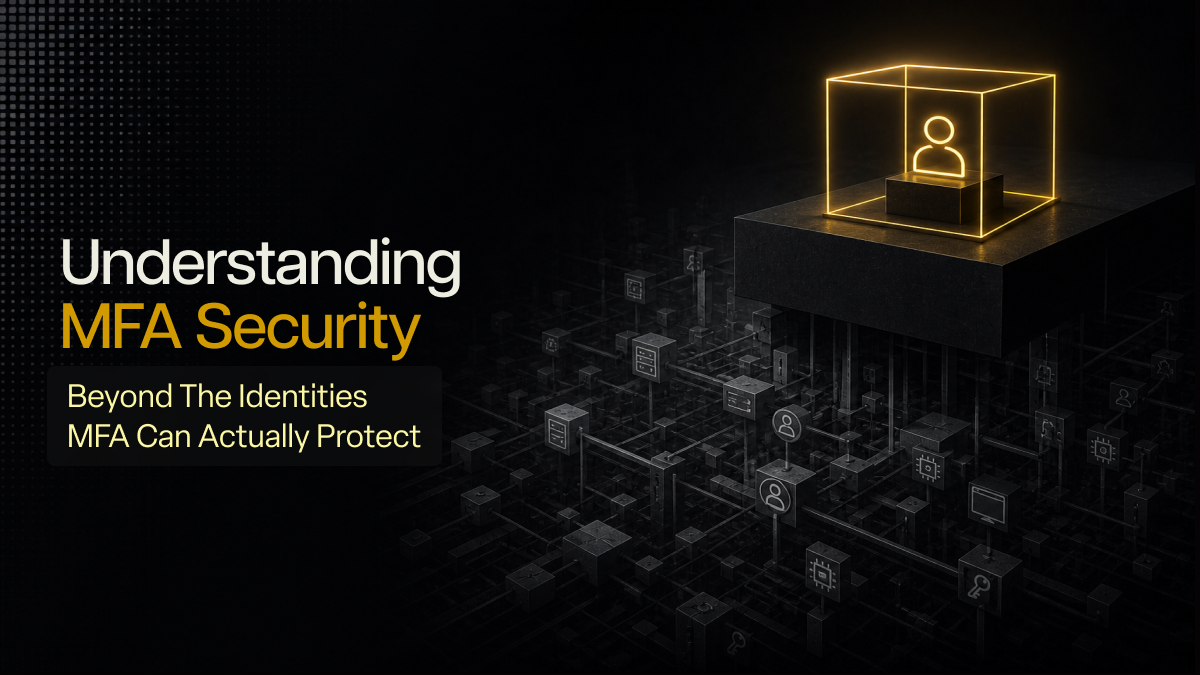
Many SMBs treat MFA as the main answer to identity security, but MFA only protects the identities that can actually use it. This blog looks at the limits of MFA security for human users, the hidden risks around non-human identities, and the practical controls SMBs need to secure both sides of the identity problem.
Most SMBs think identity security starts and ends with users: employees log in to Microsoft 365, admins approve MFA prompts, and finance or cloud tools sit behind a second verification step. Once MFA is enabled, the business feels like the main identity risk is covered.
But that only addresses the identities that can respond to an MFA prompt. Modern SMB environments also run on a whole host of “non-human” users accessing systems, moving data, and triggering production tasks without ever touching MFA.
That is the identity gap many businesses do not account for and that is what I want to walk through here. First, where MFA security still matters for human identities. Then the bigger gap most SMBs have not named yet: non-human identities that need controls that default MFA security cannot provide.
Human identities still need stronger MFA security enforcement
I want to be clear about this upfront: MFA still matters and is a foundational part of essential security for SMBs. The issue is that rollout often gets mistaken for enforcement.
Common gaps remain predictable:
- MFA is not enforced for every user
- Admin accounts sit under the same sign-in rules as standard staff
- Weak methods such as SMS stay active
- Legacy authentication remains open
- Authenticated sessions stay alive longer than they should
Attackers do not need to defeat MFA security cleanly if enforcement is weak. Credential phishing, MFA fatigue, password reuse, and session theft still work in SMB environments. Once an admin account is exposed, policy changes, mailbox access, and persistence follow quickly.
SMBs still need full MFA coverage across users and privileged roles, stronger methods for admins, blocked legacy authentication, Conditional Access, and tighter session controls. That is necessary, but it is only half of the identity problem.
What non-human identities are and where they hide
Non-human identities (NHI) are identities used by systems instead of people. In SMB environments, that includes the following:
- Service accounts for automation
- App registrations and service principals in Microsoft Entra ID,
- Managed identities in Azure,
- CI/CD deployment identities,
- Data pipeline accounts,
- Chatbot users,
- AI test accounts
- Dummy accounts teams create for QA or sandbox work.
These accounts often escape normal access review because they do not belong to a visible employee. Over time, they collect broad permissions, old secrets, unclear ownership, and access that survives long after the original project changed.
The first places SMBs should review are Microsoft Entra ID app registrations, enterprise applications, service principals, managed identities, automation mailboxes, API keys, deployment credentials, and test accounts that still have active access.
Why default MFA security does not protect non-human identities
A non-human identity cannot approve an MFA push, enter a one-time code, or tap a hardware token. It runs through certificates, tokens, API keys, or managed identity flows. MFA security logic simply does not apply to it in the same way as it would for a human user. So, when a business says identity security is covered because MFA is enabled, that statement only covers accounts capable of using MFA.
The common NHI risks are long-lived client details, stale app registrations, over-permissioned service principals, automation accounts with no owner, API keys stored in scripts or repositories, and OAuth permissions that were approved once and never reviewed again. If one of those permissions is stolen, an attacker may gain direct access to cloud resources or business data without even touching a human login entry point.
Securing NHIs needs a practical identity security baseline
NHIs need to be treated like production identities. Each one should have a named owner, a clear purpose, fixed permissions, credential expiry, and logging tied to its activity.
SMBs should start with the highest-risk cases first:
- Identities with admin permissions
- Identities tied to customer data
- Identities used in production pipelines
- Identities that no current employee clearly owns
From there, the controls are practical: reduce permissions, replace stored secrets with managed identities where possible, rotate credentials, review app permissions, disable what is no longer used, and monitor workload identity activity.
For human users, this identity security baseline should focus on MFA enforced across all users, stronger methods for admins, Conditional Access policies, session controls, and risky sign-in monitoring.
For non-human identities, it should be centred on inventory, named ownership, clear purpose, least-privilege access, credential expiry and rotation, app permission review, and logging for workload identity activity.
The goal is not to force every identity into the same model. The goal is to make sure every identity - whether human or not - is visible, governed, and monitored based on what it can reach.
Closing thoughts
MFA is still one of the strongest controls an SMB can enable for human users. But it only covers part of the identity security problem. If your business has MFA enabled but has never reviewed service accounts, app registrations, automation identities, or AI test accounts, then the identity security picture is still incomplete.
At Lumora, that usually means reviewing MFA coverage across all users and admin roles, removing weak methods and bypass paths, tightening conditional access and session controls, and watching for drift over time. That approach already sits inside how LumoraX provides essential security with clarity: by handling MFA security baselines, admin protection, risky sign-in review, legacy authentication blocking, and ongoing monitoring for SMBs.
Lumora can help you assess both human and non-human identity security across Microsoft Entra ID, app registrations, admin roles, MFA coverage, and risky access paths, then build a clearer security baseline around what actually has access to your environment. Book a 72-hour essential security assessment to find your security gaps and then fix them!



.avif)